
What software modernization services include, which approach fits your legacy system, how a project runs and what to weigh on security, written for Australian business owners.
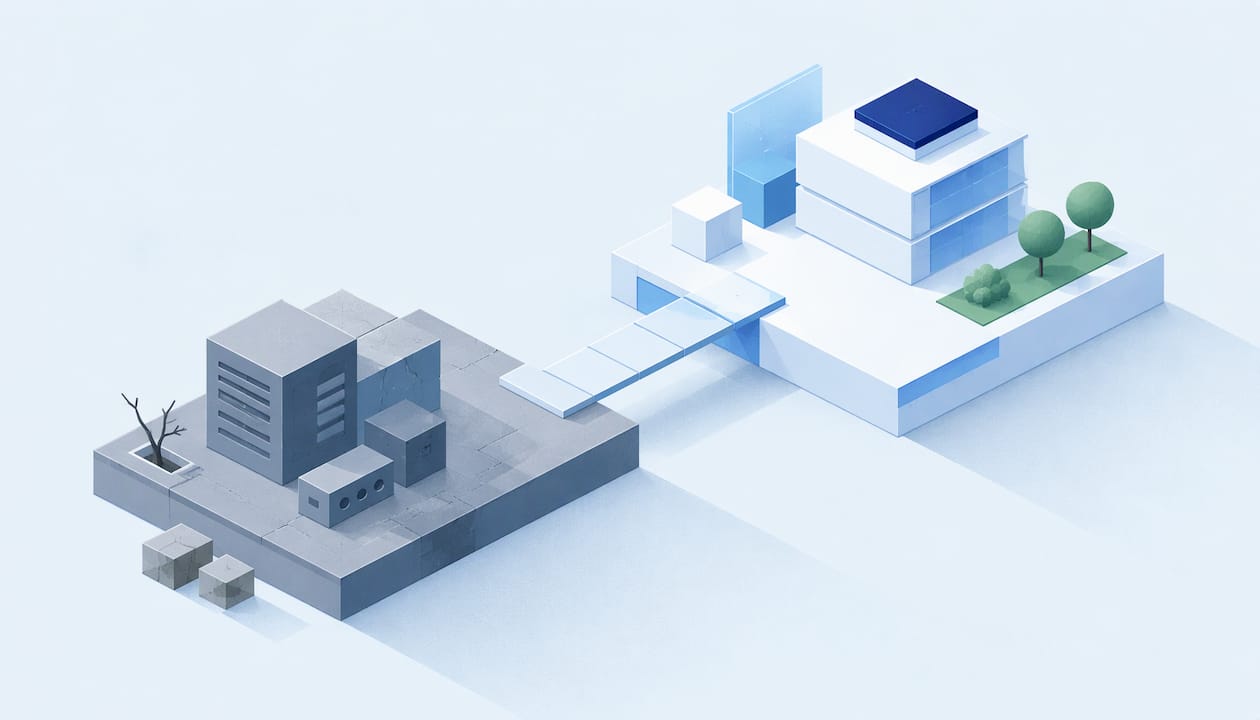
Software modernisation services take an application your business depends on and bring it up to date without losing the logic and data inside it. That can mean moving it to the cloud, restructuring its code, connecting it to newer tools through APIs, or rebuilding it on a current stack. For a small or mid-sized business, the best results come from one team that audits the system, picks the lightest approach that solves the problem, builds it and then keeps looking after it. At Iceberg CMS, that is how we work: full-stack development, IT infrastructure and ongoing maintenance in one place, backed by more than 10 years and over 200 projects.
Modernisation is not one thing. It ranges from moving a system as-is to the cloud through to a full rebuild, and most SMEs do not need the most expensive end of that range.
A good engagement starts with an audit of your code, data, hosting and integrations, not with a technology choice.
You rarely have to replace everything. Existing systems can keep running while new layers are built around them through APIs.
Security and privacy duties in Australia are a strong reason to act on unsupported software sooner rather than later.
Choose a partner that also runs and maintains what it builds, so the system does not age again.
The phrases software modernisation, application modernisation, and legacy system modernisation are used almost interchangeably. In practice they describe the same job: making software that still matters to the business fit for the way you operate now.
An industry analyst’s 2024 report on application modernisation providers describes the typical scope as assessment, strategy, technology selection, migration, integration, security, testing, training and ongoing support. Read that as a sequence. Each stage depends on the one before it, and skipping the first (assessment) is how projects blow their budgets.
For an SME, the practical version looks like this:
Audit. What the system does, what it runs on, who touches it, where the data lives and what breaks when something changes.
Plan. Which parts to keep, move, rebuild or retire, in what order.
Build and migrate. Code changes, new interfaces, data moved safely, old and new running side by side where needed.
Run. Hosting, monitoring, patching and support after go-live.
That last step is the one most guides rush past. A modernised system that nobody maintains becomes tomorrow’s legacy system.
You do not need a mainframe to have a legacy problem. In a small business, legacy software is usually one of these:
A custom application written years ago by a developer who has since left, with no documentation.
A website or portal on an old PHP version or an unsupported framework.
A desktop or on-premises system, such as an older .NET application on a server in the back office, that only works from one location.
A system that cannot talk to your accounting, e-commerce or CRM tools, so staff retype data between screens.
Hosting on hardware or an operating system that no longer receives security updates.
The cost shows up as slow changes, staff workarounds, outages and a growing security exposure. If a simple feature request takes weeks because nobody dares touch the code, that is the signal.
Large organisations have the same issue at a different scale. A 2025 survey of ANZ organisations reported in Computer Weekly found 57% of mission-critical applications in the region still run on mainframes, and 80% of respondents had changed their modernisation strategy in the previous year. The lesson for a smaller business is that even big organisations revisit their approach as they learn what the old system really does.
A widely used framework, often called the 7Rs, sorts the options by how much you change. Cflow’s guide to legacy modernisation lays out the middle options in plain terms. Here is how they translate for a business owner.
| Approach | What changes | Typically suits |
|---|---|---|
| Rehost | The application moves as-is to cloud servers | Systems that work well but sit on ageing hardware |
| Replatform | Small changes, such as a managed database or containers | Stable systems that need better performance or lower running effort |
| Refactor or rearchitect | Code is restructured, often into smaller services | Systems that must scale or change faster |
| Rebuild | Re-implemented on a current stack such as .NET 8 or Laravel | Systems whose code cannot be saved but whose business rules still matter |
| Replace | Swapped for an off-the-shelf product | Standard processes with nothing unique about them |
| Retain or retire | Left alone, or switched off | Rarely used or low-risk systems |
Two points matter more than the table.
First, the lightest approach that solves the problem usually wins. If your pain is unreliable hosting, rehosting or replatforming may fix it in weeks. If your pain is that the application cannot be extended, no amount of moving it will help, and a partial rebuild is the honest answer.
Second, you do not have to replace everything at once. OutSystems notes that existing ERP, CRM and legacy database environments can keep supporting critical operations while teams modernise around them, using APIs, service layers and data integration. For an SME that is often the best route: keep the core that works, expose it through an API, and build the new mobile app or customer portal on top.
Kmart Australia shows the idea at scale. As Forbes reported in 2021, the retailer re-hosted its merchandise, inventory and supply-chain applications on a cloud mainframe emulator and rebuilt selected functions as microservices, moving 1.4 terabytes of DB2 tables and five terabytes of data to AWS. It did not rewrite everything. It moved what could move and rebuilt what was worth rebuilding. A smaller business can follow the same logic with a much smaller system.
There is no single standard, but sound projects share the same shape. Here is what each step takes and where it tends to go wrong.

List every application, its language and framework version, its database, where it is hosted, what it connects to and who depends on it. Include the unglamorous parts: domain registration, SSL certificates, backups, scheduled jobs.
Where it goes wrong: undocumented dependencies. A nightly script on a forgotten server turns out to feed the invoicing system. Teams that audit only the code miss it.
It is also where we start. Our services include IT infrastructure audits and architecture, so the review covers the servers and hosting as well as the application itself.
Talk to the people who use the system daily. Which tasks are slow, which reports are trusted, which features are never used? Decide which outcomes matter: faster changes, mobile access, fewer outages, a connection to another platform.
Where it goes wrong: treating modernisation as a technical clean-up with no business target. Without one, scope grows and nobody can say when the project is finished.
Use the table above, but apply it per component. One project can rehost a database, rebuild a customer portal and retire a reporting tool. Agree the order too: start with the part that carries the most risk or delivers the most value.
Where it goes wrong: committing to a full rewrite because it sounds clean. Rewrites are the slowest, costliest path and rarely need to be the first move.
Move in slices. Build the new component, connect it to the old system, run both for a period, then switch over. Data migration needs its own testing: counts, totals and sample records checked before and after.
Where it goes wrong: a single big-bang cutover with no rollback plan. Staged releases let you catch problems while they are small.
Our development work covers custom software, API integrations and AI integrations, built in PHP, Laravel and .NET, along with web and mobile apps for iOS, Android and the web. That means the integration layer and the new front end can come from the same team that audited the old system.
Test with real workflows, not only technical checks. Train staff before launch, and keep the old system available in read-only mode for a short time so people can look things up.
Where it goes wrong: users find out about the change on the day. Adoption fails even when the code is fine.
Patching, backups, monitoring, small improvements and support need to be somebody’s job on day one. This is what stops the new system from decaying. We offer website and app maintenance, web hosting and hosting servers alongside development, so there is no handover gap between the team that built it and the team that keeps it running.
The benefits are practical rather than abstract: fewer outages, quicker changes, lower effort to maintain, a system that connects to other tools, and mobile and web access that the old software could not offer. The Kyndryl-based survey figures reported in Computer Weekly include returns of 215% to 290% depending on strategy for large ANZ organisations, which shows how much the choice of approach shapes the outcome. Your own return will depend on your system and goals, which is why the audit comes first.
Old software is a security problem because it stops receiving patches and often cannot support current authentication or encryption. The Australian Cyber Security Centre’s Essential Eight maturity model sets out baseline mitigation strategies, including patching applications and operating systems, that unsupported software makes hard to follow.
Privacy law adds weight. Under the Notifiable Data Breaches scheme run by the OAIC, organisations covered by the Privacy Act must notify affected people and the regulator about eligible breaches likely to cause serious harm. The OAIC’s scheme overview explains who is covered. If your business holds customer records, check with your lawyer or accountant whether the Privacy Act applies to you, and treat unsupported software holding that data as a priority.

The real risks of a modernisation project are manageable ones: scope that grows, data that migrates badly, staff who are not trained, and downtime at cutover. Each has a matching control in the steps above: a clear business target, staged migration with checks, training before launch, and a rollback plan.
SMEs often get pitched by providers built for enterprise programmes. Match the partner to your size with these questions:
Do they audit before they quote? A fixed price on an unknown system is a guess.
Do they cover infrastructure as well as code? Hosting, domains, servers and backups are part of the system.
Do they build on mainstream technology? PHP, Laravel and .NET have large talent pools, which means you are never locked to one supplier.
Will they support it after launch? Ask what maintenance looks like and who answers when something breaks.
Can they work with what you already have? APIs and integrations let you keep Shopify, WordPress or an existing database in place.
Are they local? Working in your time zone and, where useful, meeting in person matters for a project that touches daily operations.
We design, build and run cloud-based software for businesses across Australia, with a team serving Sydney, the Central Coast, Blacktown, Newcastle and Maitland. After more than 10 years and over 200 projects, our approach is to tailor applications and IT systems to your business requirements, with user-centred design, security and continuous maintenance as part of the work.
For modernisation, that means one team can handle an IT infrastructure audit, custom development, integrations, hosting and ongoing maintenance, whether your system is a custom PHP application, a .NET tool, a WordPress or Shopify site, or a mix of all of them.

If you already know which system is holding your business back, tell us what it does and what you want it to do next. We start with an audit and work out the lightest route from there.
Modernisation is the wider term and covers rehosting, replatforming, restructuring, rebuilding and replacing. A rewrite is one option within it, the most thorough and the most costly. Many systems only need part of the code reworked, or an API layer added, to meet the business need.
It depends on the size of the system and the approach. Moving an application to new hosting can be quick, while a staged rebuild runs in phases over months. Large enterprise programmes run far longer: a 2021 report on Kmart Australia’s migration shows how big systems are moved in stages. An audit gives you a realistic timeline for your own system.
Yes, in most cases. Staged migration lets the old and new systems run side by side, with APIs connecting them, until you switch over. OutSystems describes modernising around existing systems rather than replacing them in one step. A rollback plan covers the cutover itself.
Cost depends on the system’s size, the approach you choose, how many integrations it has and how much data must move. A rehost costs far less than a rebuild. We do not publish fixed prices because each project starts with an audit, and the quote follows from what it finds.
Working is not the same as safe or adaptable. If the software no longer receives security updates, cannot connect to the tools you use, or only one person understands it, planning a modernization now is cheaper than doing it after a failure.
